Last year I disabled Spotlight and wrote OverLauncher, a small Swift app that replaced the Spotlight search bar so I could still launch apps from the keyboard. It’s now renamed to RoLauncher and rewritten from scratch in Rust, and this time the source code is open: github.com/noroot/rolauncher.
What it does
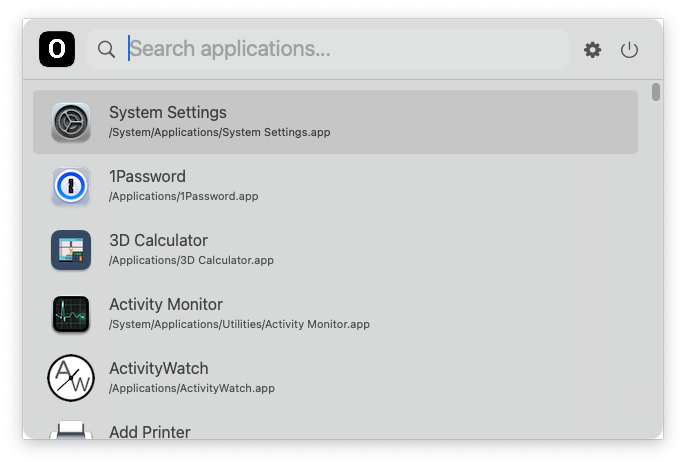
Same idea as before: press ⌘ Space, type, hit Enter.
- Finds apps in
/Applications,/System/Applications,/System/Applications/Utilitiesand/System/Library/CoreServices. - Ranks results by how often you launch them. Most-used apps show up first on an empty query.
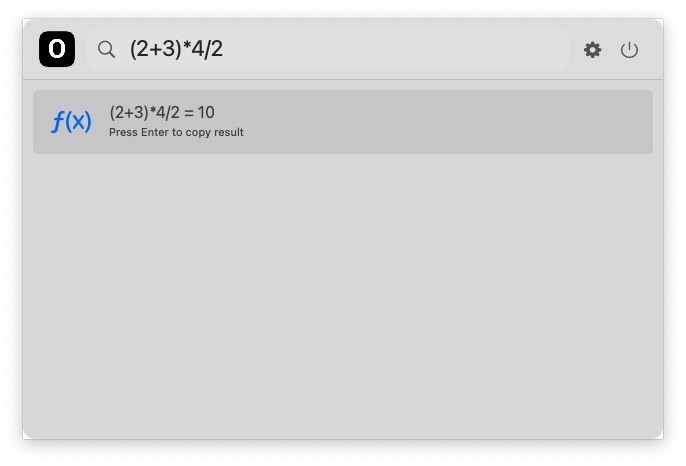
- Inline calculator:
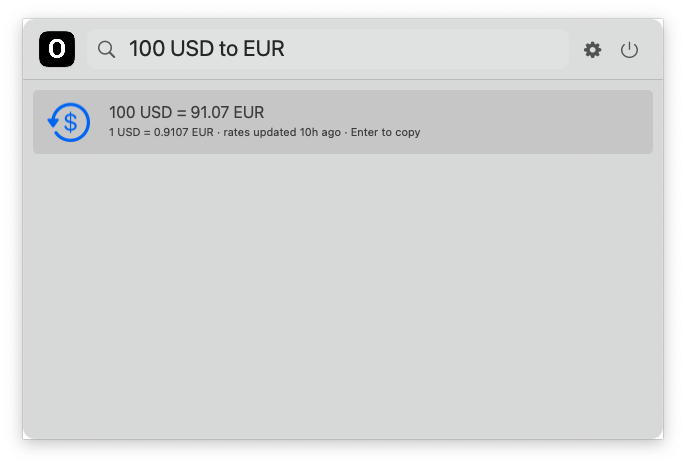
(2+3)*4,2^10,10%3. Enter copies the result. - Currency conversion:
100 USD to EUR,$100 to €,1,250.50 GBP = JPY. - Lives in the background, no dock icon, no permissions needed.
Why Rust
RoLauncher talks to AppKit directly through objc2. No webview, no GUI toolkit, no SwiftUI. The global hotkey goes through Carbon’s RegisterEventHotKey, so it doesn’t need Accessibility permission. The result is a small native binary that does one thing.
The code is split into a handful of plain modules: app discovery and ranking, a recursive-descent calculator, currency parsing with a rate cache, and the UI. Calculator and search have unit tests (cargo test).
Network and data
The only network access is fetching currency rates from the free Exchange Rate API endpoint, and only when you actually type a conversion. Rates are cached in ~/Library/Application Support/RoLauncher/rates.json, refreshed when older than 6 hours, and keep working offline. Launch counts are a plain TSV file next to it. No telemetry, no ads.
Install
git clone https://github.com/noroot/rolauncher
cd rolauncher
./install.sh
This builds the app, copies it to /Applications/RoLauncher.app and launches it. Don’t forget to turn off Spotlight’s ⌘ Space shortcut in System Settings → Keyboard → Shortcuts.
RoLauncher is GPL-3.0. More details on the project page.